
How to add wholesale pricing to draft order
Create a Shopify draft order, preview your wholesale prices, and apply them to the draft.
1. Open Draft Order Pricing
In Lumi, open Order Management Draft Order Pricing and click Create Draft Order. Make sure your wholesale pricing rules are set up first.
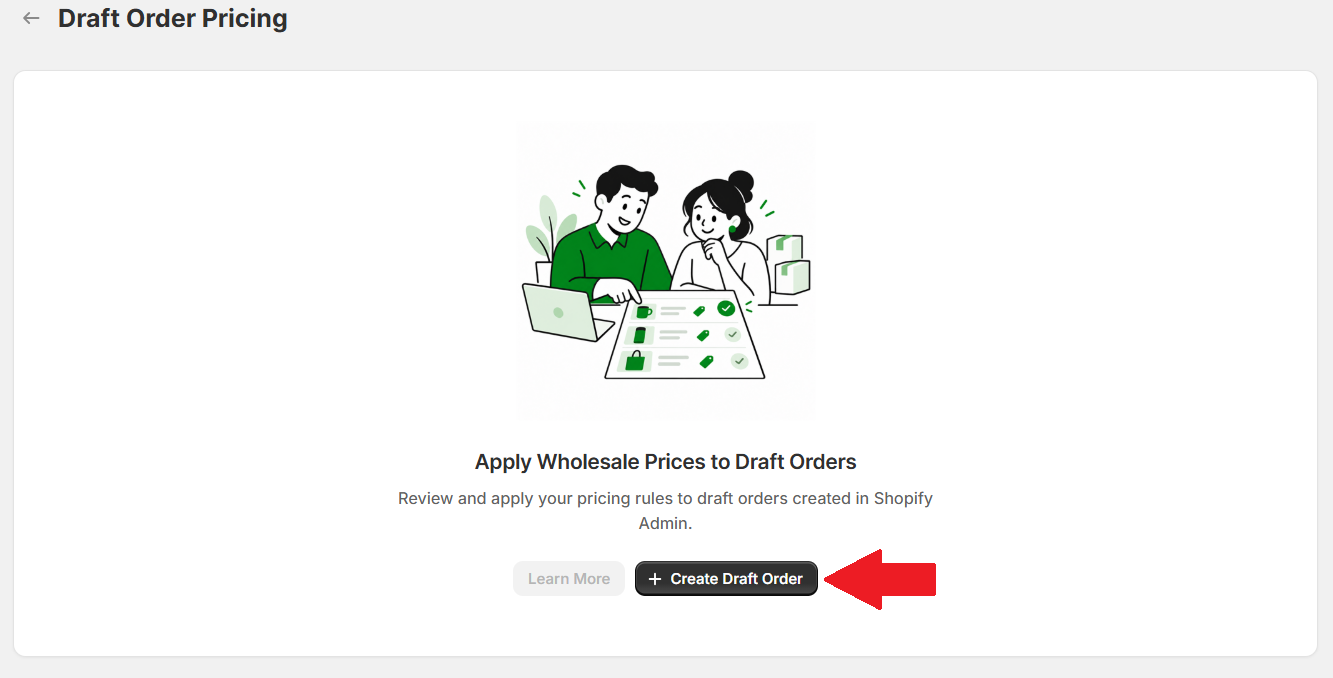
In the popup, click Create draft order to continue to Shopify.
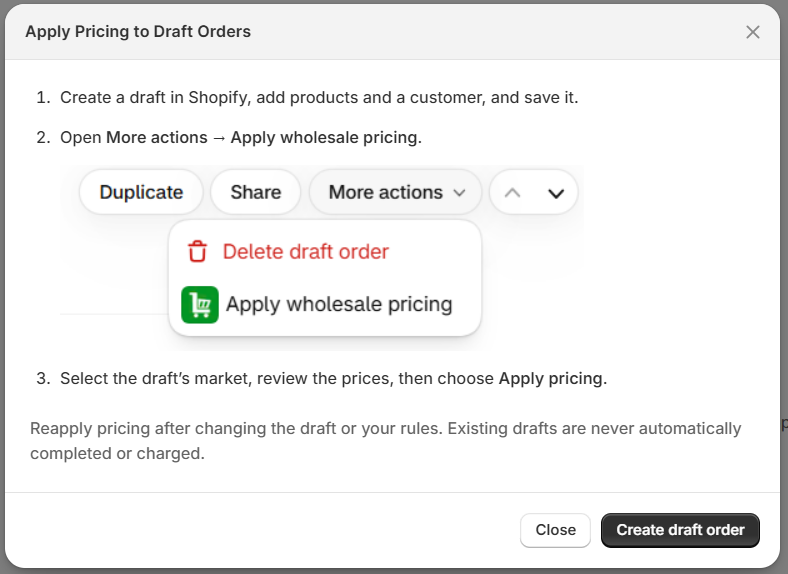
2. Create and save the draft
Add your products, set their quantities, and select a customer. Then save the draft.
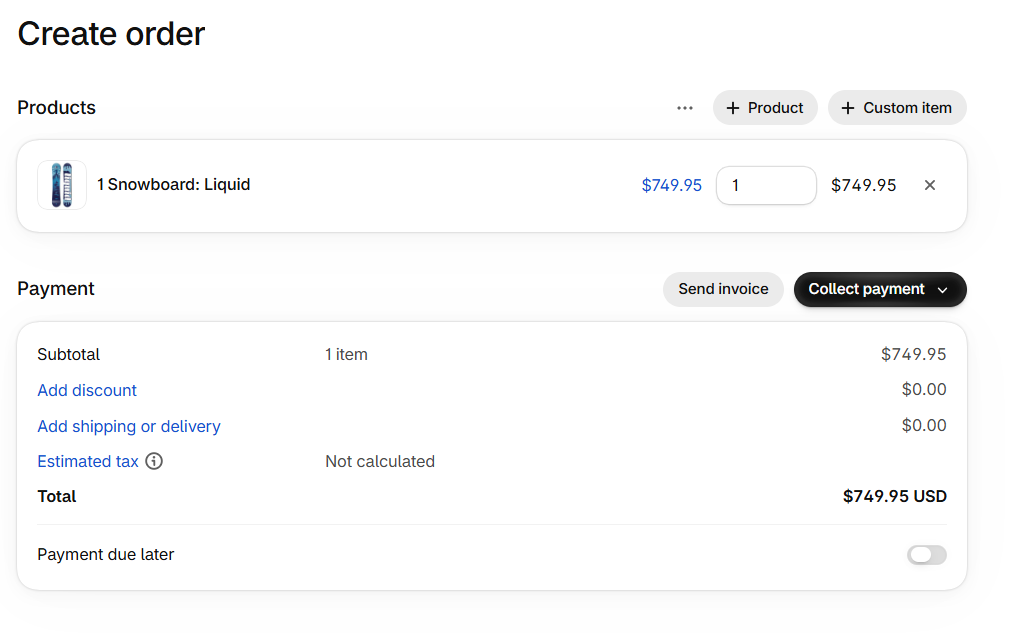
Open the saved draft from Orders Drafts in Shopify. If you already have a draft, select it from this list.

3. Open Apply wholesale pricing
On the draft order, select More actions Apply wholesale pricing.
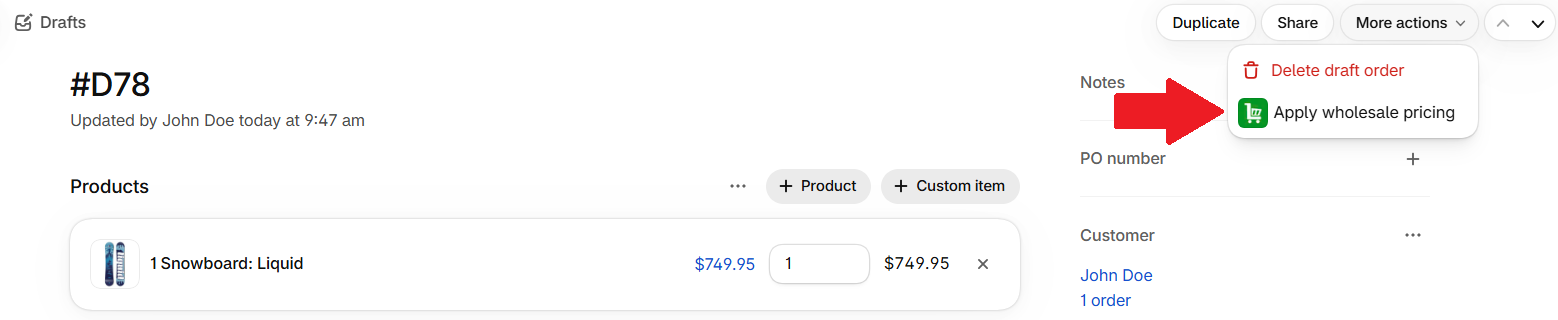
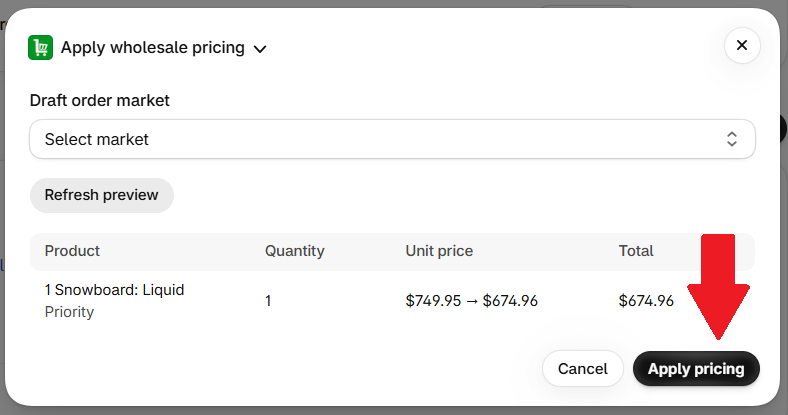
4. Preview and apply pricing
- Select the Draft order market.
- Review the wholesale prices and totals.
- Click Apply pricing.
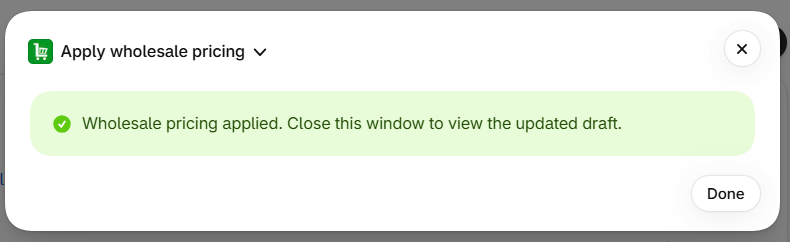
When the success message appears, click Done to close the window.
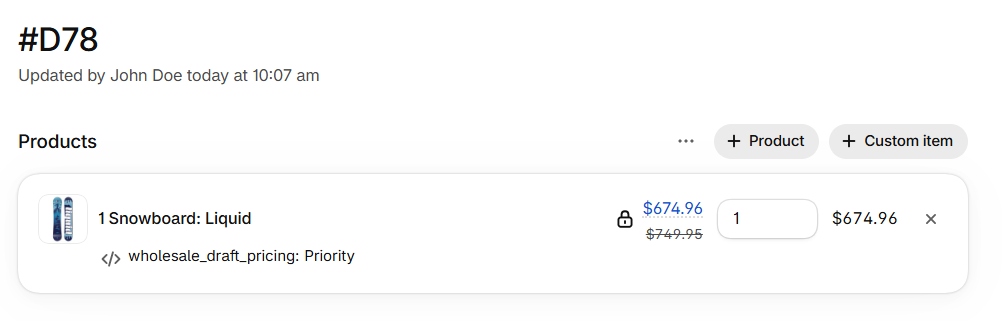
Your draft now shows the applied wholesale prices.
Reapply pricing after changing the draft or your pricing rules. Applying wholesale pricing does not complete the order or charge the customer.